



Refresh Your Website’s Look with Our Innovative
Website Update Services
Starting from
$11.99/hr
Trusted by


Discover Our WEBSITE UPDATE SERVICES
WordPress Code Updates
Web Page Updates
Update Your Website Design
WordPress Theme Customizations
Accessibility Updates
CMS Updates
E-commerce Updates
Website Maintenance
Multilingual Support
Expert Website Update Services for Improved Performance
Our Website update services ensure your site remains secure, functional, and engaging. Key services include content updates, security patches, design refreshes, SEO optimization, performance enhancements, and mobile optimization. Regular updates to plugins and software, improved functionality, analytics tracking, and compliance with legal standards keep your website competitive and accessible. These updates help attract and retain visitors, enhancing user experience and maintaining site performance. Choose professional website update services to keep your online presence strong and effective.
Case Studies
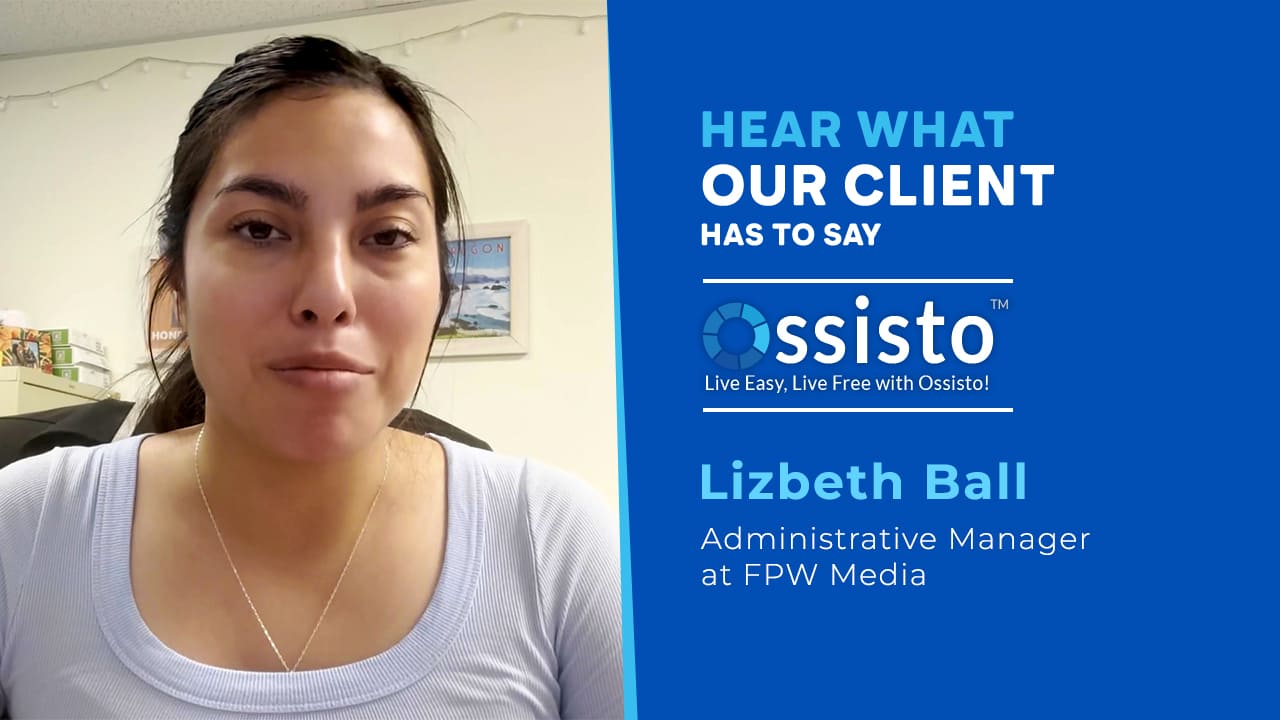
Real Voices, real results



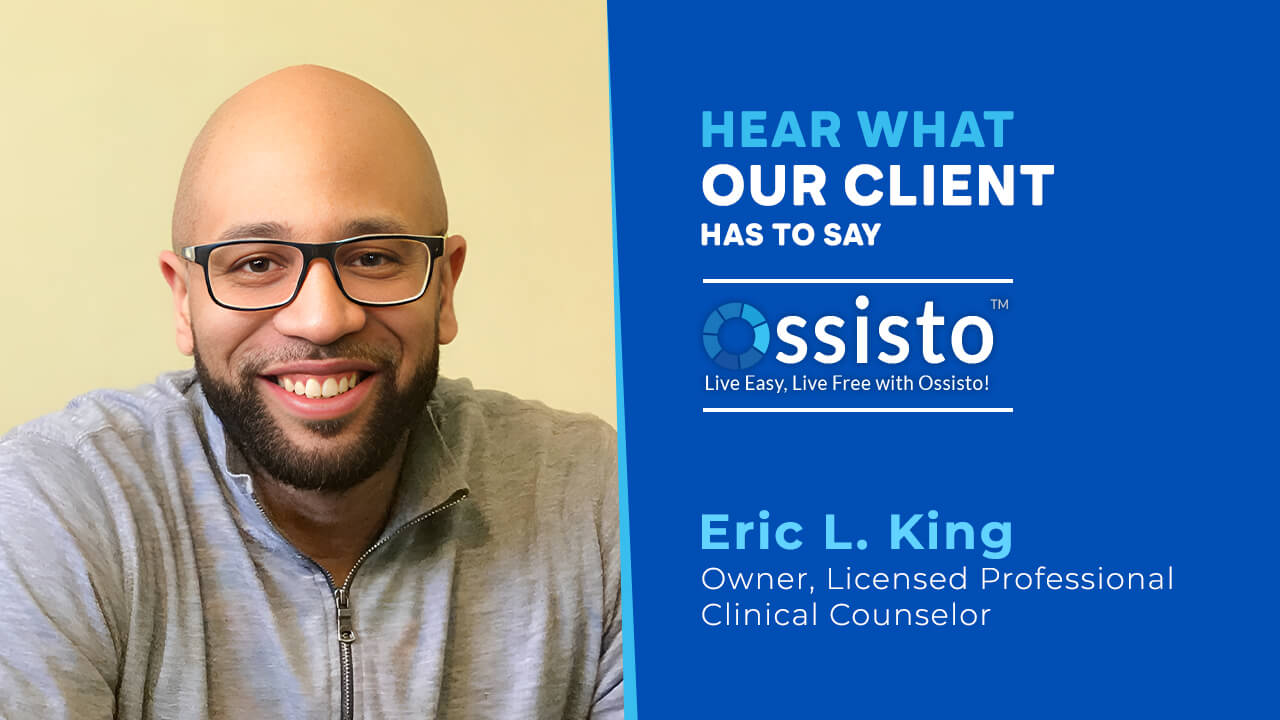



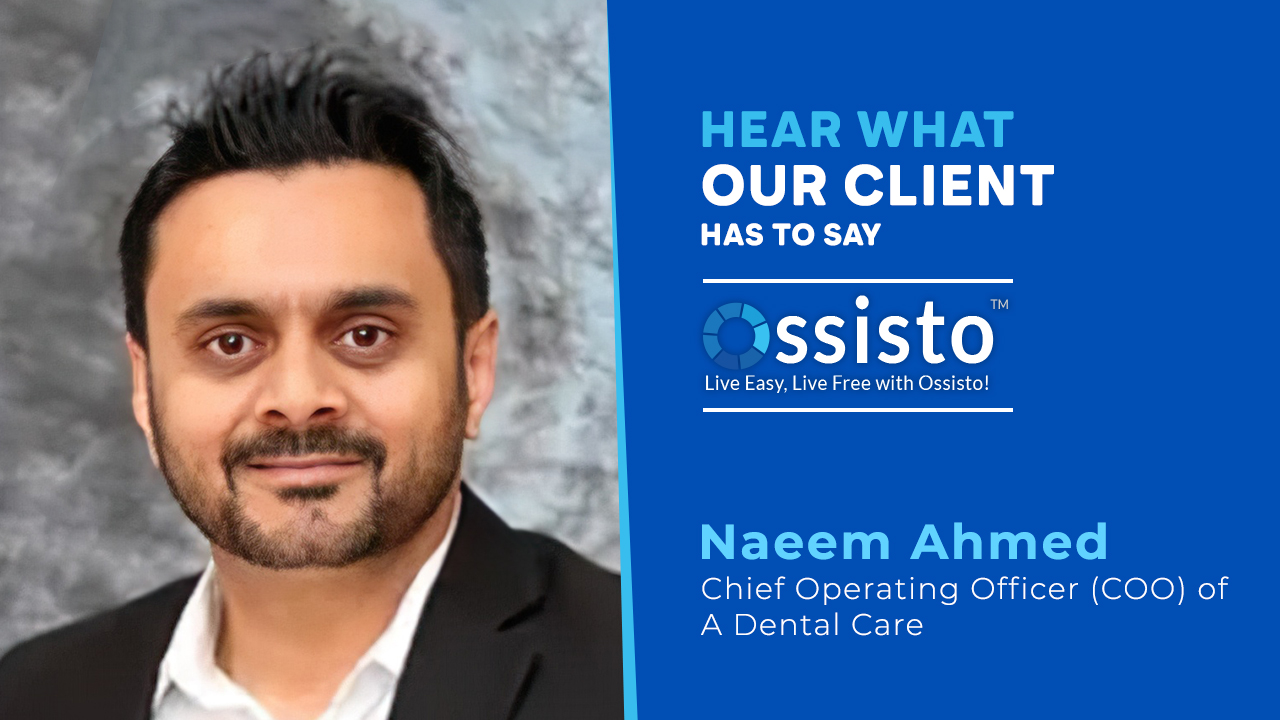



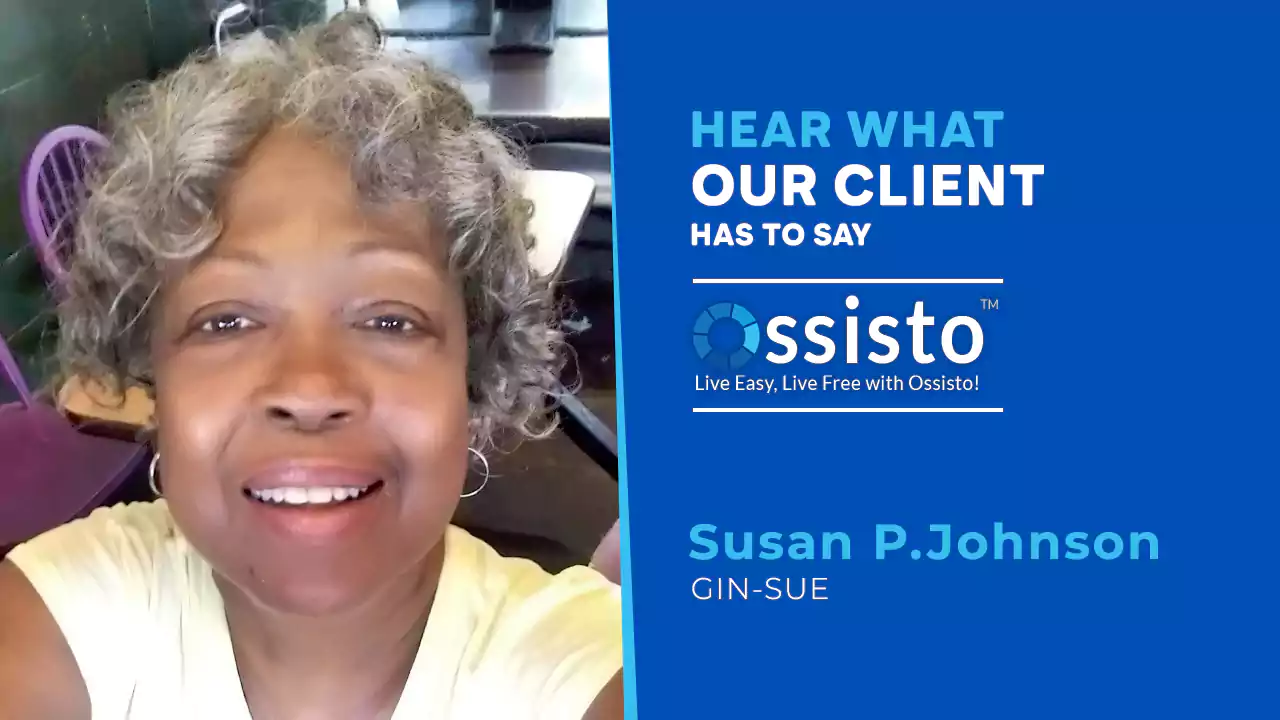




Why choose us
Upgrade Your Website Today with Our Professional Services
Expertise
Security Focus
Design Excellence
SEO Optimization
Performance Enhancements
Mobile Optimization
Functionality Improvements
Reliability
Customer Satisfaction
How it works
Comprehensive Website Updates for Enhanced User Experience
1
Consultation
We initiate our process with a thorough consultation to grasp your specific website goals, business objectives, and any challenges you currently face. Understanding your vision helps our website update services tailor our approach to meet your unique needs effectively, ensuring a customised and effective strategy.
2
Assessment
Our team performs a comprehensive assessment of your existing website. We analyse its performance, user interface, SEO health, and security measures to identify areas that require enhancement or updates. This thorough assessment serves as the foundation for our website upgrades, ensuring targeted and effective improvements.
3
Planning
Based on the assessment, we devise a detailed update plan. This plan outlines the specific updates needed, sets clear objectives, establishes timelines, and aligns with your business goals. We present this comprehensive plan to you for review and approval as part of our website update services, ensuring transparency and alignment with your objectives.
4
Execution
Before deployment, we conduct rigorous testing across devices, browsers, and operating systems to ensure all updates perform seamlessly. Our website update services prioritize thorough testing to guarantee your site functions flawlessly, delivering an exceptional user experience with optimal performance and satisfaction.
5
Testing
6
Deployment
Upon successful testing and your final approval, we proceed with the deployment of updates. Our deployment process is meticulously planned to minimise downtime and ensure a smooth transition. Post-deployment, we monitor performance to address any potential issues promptly and ensure ongoing optimal operation of your updated website.
Our Partners
Growing Together with Our Partners


FAQ'S
How to update a web page
To update a web page, access your website’s content management system (CMS), locate the page, edit the content or media, and save changes. Ensure to preview before publishing.
How to update a website
Update your website by logging into your CMS, navigating to the relevant sections, and making necessary changes to content, design, or functionality. Save and publish updates after reviewing.
How do I dynamically update my website?
Use dynamic scripting languages like PHP or JavaScript to update website content based on user interactions or real-time data. Implement server-side scripts to fetch and display dynamic information seamlessly.
How do you refresh your website?
To refresh your website, update the content, redesign the layout, improve navigation, and ensure mobile responsiveness. Regularly update plugins and software, optimize for SEO, and enhance loading speeds. Consider adding new features like blogs or social media integration to keep the site engaging and current.
How do I fix an outdated website?
Fix an outdated website by updating the design with a modern, responsive layout. Revise and refresh the content, improve loading speeds, and enhance SEO. Ensure all plugins and software are current, and integrate social media links. Regular audits and updates keep the website relevant and functional.
How long does it take to update a website?
The time it takes to update a website depends on the scope of changes. Simple updates, like content changes or minor design tweaks, can take a few hours. Larger updates, such as redesigns, new features, or structural changes, can take several days to weeks. A detailed plan and clear requirements help streamline the process.